
Vigil Guard is now an official guardrail provider for the LiteLLM AI Gateway
What changed
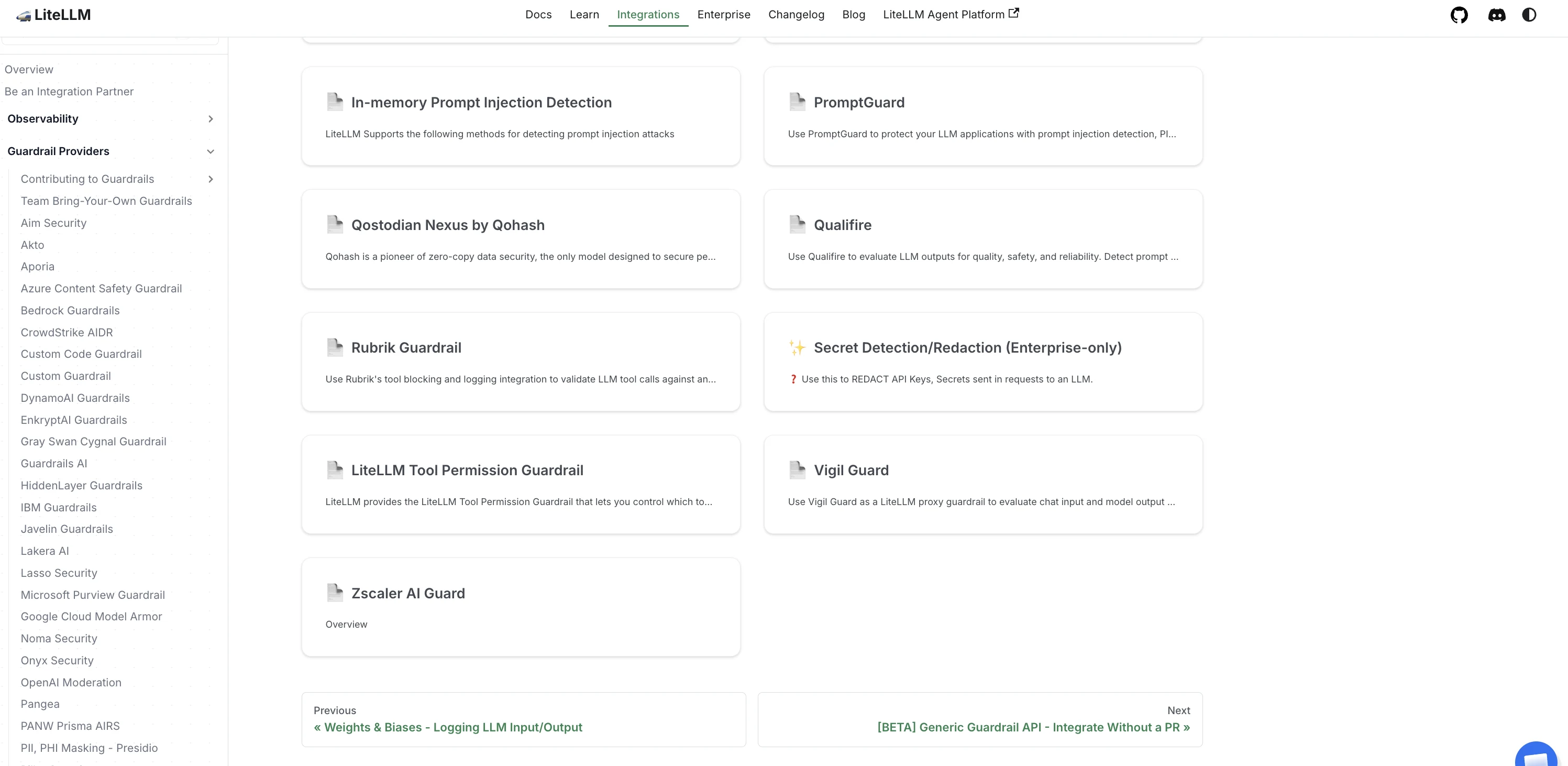
Vigil Guard is now an official guardrail provider for the LiteLLM AI Gateway. Following LiteLLM's partner acceptance process, it is integrated directly into the LiteLLM ecosystem and listed under Guardrail Providers, alongside established solutions such as Lakera, Aporia, Bedrock Guardrails, and Azure Content Safety. The integration is maintained as part of LiteLLM itself.
Previously, integrating Vigil Guard with LiteLLM meant deploying and maintaining a separate connector. That step is gone. The vigil_guard provider is now built directly into LiteLLM Proxy, eliminating additional services, deployment overhead, and upgrade dependencies. For teams running AI in production, this removes an important operational hurdle.
Why this matters
LiteLLM Proxy has become the AI gateway of choice for many organizations, sitting in front of OpenAI, Anthropic, Azure OpenAI, Bedrock, and self-hosted models alike. By enforcing guardrails at the proxy layer, organizations can apply a single security policy across every model in their environment through a centralized control point.
When a security control is responsible for inspecting every request and response, simplicity matters. Fewer moving parts mean fewer opportunities for protection to fail silently during upgrades, configuration changes, or infrastructure maintenance.
How it works
You add a guardrail block to config.yaml with guardrail: vigil_guard, a mode, and your Vigil Guard endpoint and key. The integration inspects both sides of the model call: pre-call inspection screens prompts before they reach the model, and post-call inspection screens model outputs and tool-call arguments before they reach your applications.
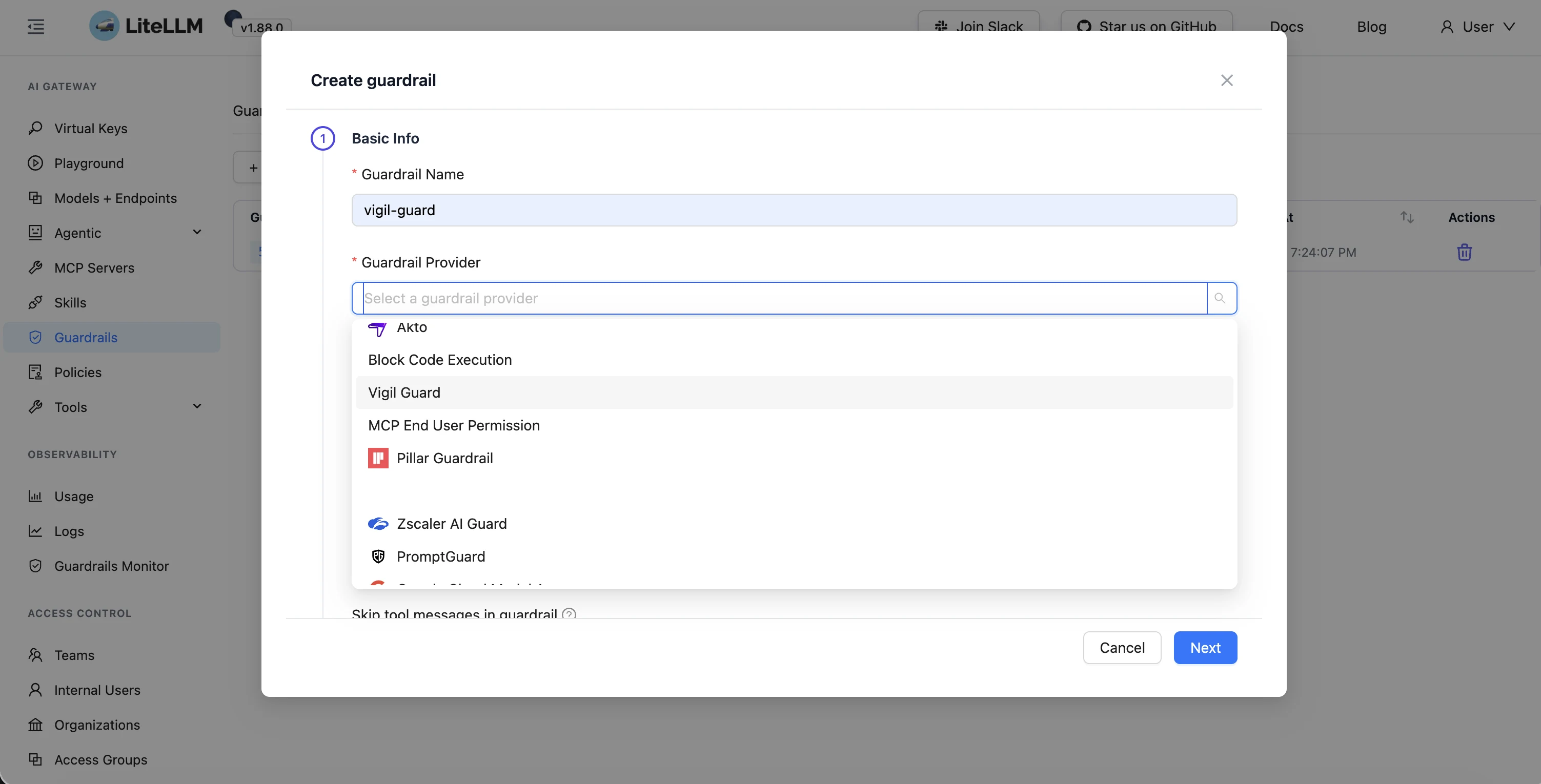
Based on policy evaluation, Vigil Guard returns one of three decisions in real time: ALLOW, SANITIZE, or BLOCK. In the LiteLLM admin UI you select Vigil Guard from the Guardrail Provider list when you create a new guardrail, then point it at your deployment.
| Setting | Value | What it does |
|---|---|---|
| mode: pre_call | input scan | Inspects the prompt before the model runs |
| mode: post_call | output scan | Inspects model output and tool-call arguments |
| Decision | ALLOW / SANITIZE / BLOCK | Pass, redact, or stop the request per policy |
| unreachable_fallback | fail-closed (default) | Blocks the request if the backend is unreachable |
| unreachable_fallback: fail_open | optional | Lets traffic through when availability outweighs strict enforcement |
What you need
A running Vigil Guard Enterprise deployment reachable from your LiteLLM Proxy, plus its API key. Because Vigil Guard is deployed within your own infrastructure, prompts, responses, and sensitive business data remain entirely under your control and never leave your environment.
Point LiteLLM at it with two environment variables, VIGIL_GUARD_URL and VIGIL_GUARD_API_KEY, and reference the guardrail by name on the requests you want screened.
Get started
The full configuration guide lives in the official LiteLLM documentation: docs.litellm.ai/docs/proxy/guardrails/vigil_guard.
To set up a Vigil Guard Enterprise instance behind your gateway, see vigilguard.ai/developers or get in touch with our team. We are proud to become an official part of the LiteLLM guardrails ecosystem, and we look forward to helping organizations deploy secure AI at scale.